
Grocery Budget Guide: Plan Your Month and Track Spending
November 1, 2026
Shared by Aumrie
Build a realistic grocery budget with monthly, weekly and meal targets. Learn to record purchases, add sales tax and preserve spending history in Aumrie.
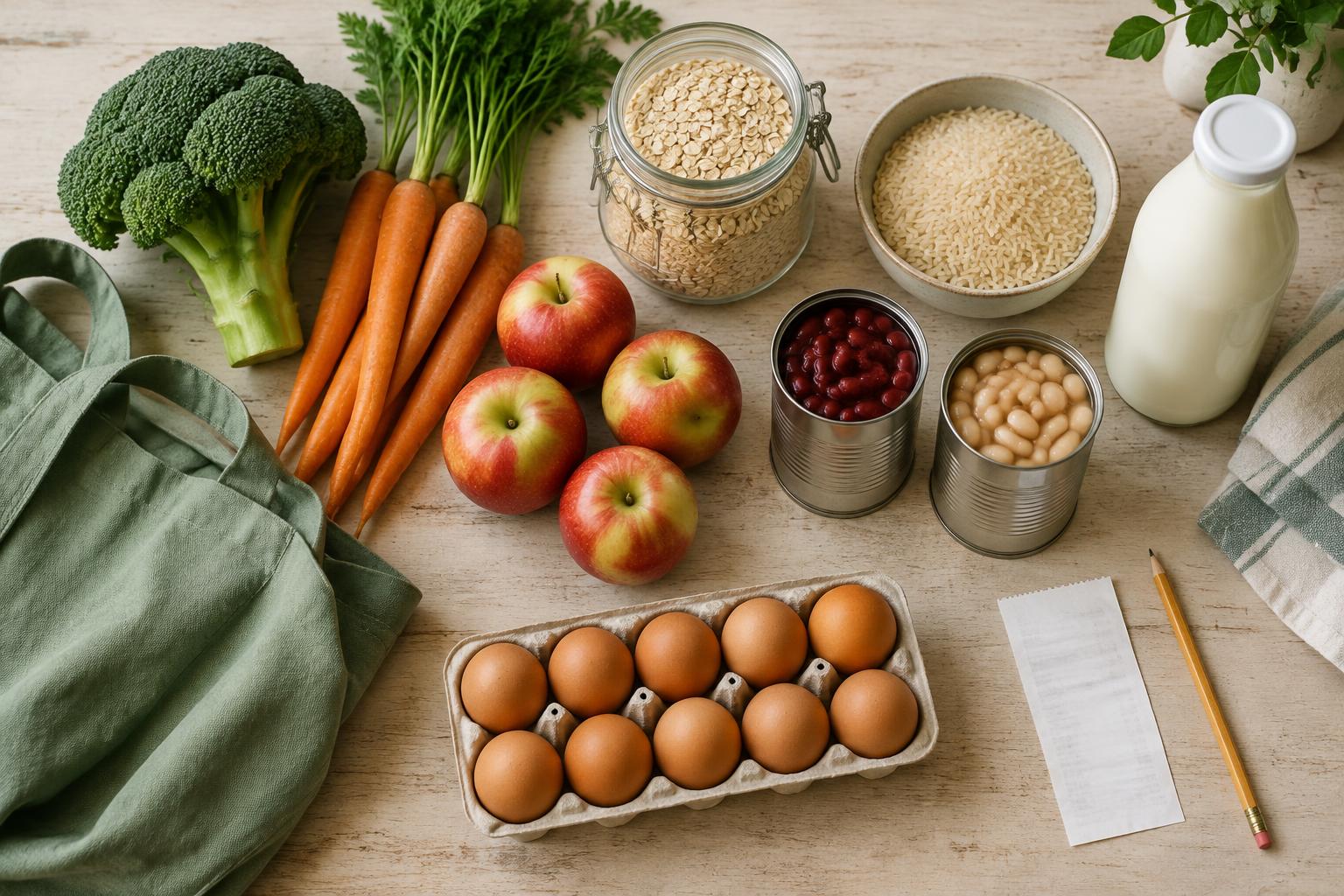
A grocery budget is not a contest to spend the least. It is a plan for feeding your household, buying what you need, and knowing where your money went. A useful target leaves room for real appetites, dietary needs, local prices and the occasional change of plans.
This guide walks through a monthly budget, weekly shopping targets and accurate purchase records. All dollar amounts below are illustrative—not recommended family spending levels or live store prices.
1. Start with your household, not someone else's number
Before choosing a target, decide what the budget covers. Food only? Food plus paper goods and cleaning supplies? Meals at home plus eating out? Write down that boundary so a mixed supermarket receipt does not quietly change the rules halfway through the month.
Count everyone you shop for, including lunches, snacks and individual dietary needs. A household with different schedules or dietary restrictions may need different ingredients; those needs are part of the plan, not a budgeting mistake.
If you have receipts, total a representative month of purchases. Remove one-off expenses only if you will fund them separately. If records are incomplete, start with an affordable amount and treat the first month as a learning period. An average of past spending tells you what happened; it does not tell you what you can afford next month.
In Aumrie's Budget page, enter your monthly target and household size. “Use my spending history” suggests a baseline from priced, bought groceries in up to eight completed weeks. Review it before saving: missing prices, unrecorded purchases and unusual weeks can distort a baseline. Pantry stock and estimated prices are not actual spending.
2. Give each dollar a job: the 40/60 split
Aumrie divides the monthly grocery target into two pools: 40% for monthly bulk purchases and 60% for fresh restocks. This is Aumrie's planning convention, not a universal rule about what every household should spend.
- Monthly bulk: pantry staples, frozen foods, meat for freezing, and household paper goods or cleaning supplies when included in your budget.
- Weekly restock: fresh produce, dairy, bakery items, short-shelf-life foods and snacks.
For an illustrative $800 monthly target, the bulk pool is $320 and the restock pool is $480. Together they equal $800—not $800 plus two extra allowances. For a household of four, that example is $200 per person for the month; it is not a recommended amount.
In a 30-day month, $480 of restock money equals $16 per calendar day, or $112 for a full seven-day week. Aumrie uses Monday–Sunday weeks and prorates each week's restock allowance to the days inside the selected month. A week with only three days in that month gets $48. Do not divide by four and then fund a fifth shopping week as though it were free.
Choose the shopping cycle that fits how an item is used. Aumrie's suggested cycle comes from its name; it is not a guarantee. Fresh chicken for tonight can belong in restocks, while chicken bought to freeze for later can belong in bulk. Review these assignments on Budget.
3. Turn the monthly amount into weekly and meal targets
A monthly number is helpful, but the next shopping trip needs a smaller decision. Before each week, note busy evenings, guests, planned meals out and food already available. Then choose the week's allowance within the monthly pool.
Use Budget plan for a target for a particular week or meal. Weekly caps and meal allocations are planning targets; meal allocations do not add money to the weekly cap and do not change your saved monthly target.
Example only: within a $112 restock week, reserve $60 for dinner ingredients, $32 for breakfast and lunch needs, and $20 for snacks or a small cushion. The three reservations total $112. If you allocate $12 to Monday's dinner, that $12 comes from the $60 dinner portion—it is not an additional allowance.
A meal target is not a separate checkout transaction. Groceries can support several dishes, and buying a whole bag of rice costs more today than the portion used tonight. Keep planned meal costs distinct from the actual amount paid for the shopping trip.
4. Build the list from meals and food you already have
Start with Pantry and your freezer. Check usable quantities, not just whether an ingredient's name appears. A jar with one spoonful left may not cover the recipe you selected. Add what needs replenishing and plan around food that should be used soon.
In Planner, choose meals that fit the week. Repeated breakfasts and leftover lunches can make quantities easier to predict. Consider every household track you need to shop for, rather than assuming the Family view covers every individual meal.
Generate your Grocery list from the plan, then review the ingredients. Include breakfasts, snacks and household essentials that are not in recipes. Pantry matching helps avoid duplicates, but it cannot inspect your cupboards or verify that enough is available.
Browse approved recipes and their ingredient lists, or try the public meal-plan builder before signing up. The public builder helps organize meal ingredients; it does not know your personal Pantry or account budget.
5. Keep planned prices separate from actual costs
An estimate answers “What might this trip cost?” Actual spending answers “What did I pay?” Keep those two questions separate. Aumrie's benchmark estimates are not live retailer quotes, and a price difference can reflect a different package size, brand or location.
When using quantity controls, enter the total cost for the whole line—not the unit cost. If you buy three cans at $2 each, set quantity to 3 and the line price to $6. Do not enter $2 and expect the quantity selector to multiply it into $6. For comparing packages, calculate unit price separately: a $4.80 package weighing 24 ounces costs $0.20 per ounce.
Use the final paid line amount after discounts. If you choose to track coupons, deposits, tips or delivery fees, decide how they fit your budget and record them once. Do not count a fee both in a grocery price and as separate spending.
6. Add applicable sales tax without counting it twice
Sales tax can make a carefully planned subtotal differ from the checkout total. Tax rules vary by location and product, so use your receipt and the rules that apply to you. Aumrie uses your saved percentage and item choices; it does not automatically determine your local tax law.
- Save the applicable tax percentage in your account settings.
- Mark exempt items as not taxable.
- Use “price includes tax” when the entered line amount is already the final tax-inclusive amount.
- Review the recorded rate and price on purchases instead of assuming every receipt uses one rate.
For an illustrative $10 taxable line at 6%, tax is $0.60 and the total is $10.60. If the item is exempt, it remains $10. If you enter $10.60 as the final amount, mark it tax-inclusive so another 6% is not added. Tax is rounded per line to cents, so a receipt calculated differently may differ slightly.
Grocery and Shopping both support these tax choices. Turning price display off hides the amounts; it does not erase them. Bought items retain their recorded tax rate, so changing today's default should not rewrite yesterday's purchase tax.
7. Record purchases, outside spending and meals out
After shopping, enter the paid line costs and mark the items bought in Grocery or Purchases. Dated, checked purchases with prices contribute to actual spending. Unpriced purchases are flagged but excluded from the monetary total, so an apparently healthy remaining balance may be incomplete.
Receipt scanning can help extract line names and prices, but review every result. It does not turn the receipt's subtotal, tax or grand total into separate grocery lines, and a scan alone does not confirm that a purchase happened. Set the tax choices and confirm the bought items yourself.
Use Budget's “Other spending” for a cost outside your weekly Grocery list. Choose its date and category, and enter the amount paid, including applicable tax. Record only the missing cost: if groceries are already checked and priced in Grocery, do not add the entire receipt again as Other spending.
“Eat Out” counts in the monthly total and spending history but stays outside the grocery bulk/restock calculations. This keeps a restaurant visit visible without treating it as a pantry restock. Remember that those two grocery pools will not explain an Eat Out amount in the overall total.
Shopping is a separate ongoing list, not an automatically synchronized weekly grocery tracker. Copying unchecked Shopping items into Grocery carries their saved quantity, price and tax choices, but later edits do not sync. Do not assume checking a Shopping item records it in Budget; use the weekly Grocery purchase flow or a separate Other spending entry, never both for the same cost.
8. Finish the list without losing purchase history
Use “Clear unbought only” to remove items you did not buy. Checked purchases stay in place, preserving their contribution to spending.
When shopping is finished, use “List Completed.” Checked purchases move to a permanent purchase archive with their quantities, prices, tax and purchase dates. Unbought entries remain on the active list. Archived purchases continue to contribute to Budget and Purchases within your plan's visible tracking window; completing the list should not change what you spent.
Deleting an individual active purchase is different from archiving it: it can remove that spending record. Archive completed purchases before tidying old lists. Pantry inventory is not a second spending ledger, so returning purchased items to Pantry does not add their cost again.
Permanent storage is also different from unlimited reporting. Limited includes budget targets and estimates without actual-spending tracking. Basic includes six months of tracking and Premium includes eighteen months, counting the current month. The active 14-day Premium trial includes eighteen months of tracking. Older retained records are not shown outside the plan's reporting window. Compare current plans.
9. Review the month with a simple reconciliation
Before changing next month's target, check whether this month's records are complete. Compare your receipts or chosen payment records with Aumrie's dated purchases and Other spending. Check purchase dates near the end of the month, missing prices, tax-inclusive settings and accidental duplicates.
Example only: against an $800 target, suppose groceries total $610 including tax and Eat Out totals $90. Actual spending is $700, the amount remaining is $100, and 87.5% of the target is used. The $90 meal out belongs in that overall comparison, not the grocery bulk/restock breakdown. If another $25 purchase has no entered price, do not treat the $100 balance as final until you add it.
An over-budget month is information. Was the target too low, a household need different, a bulk purchase brought forward, or a record counted twice? Adjust the plan using the answer rather than lowering the number just to make the chart look better. Savings are not guaranteed, and dietary requirements should not be compromised to meet a target.
10. Common questions
What if my budget is very tight?
Prioritize essential food and household needs when setting the target. A budgeting tool cannot replace adequate resources. If you need help accessing food in the US, USDA's food assistance information provides a starting point for learning about available programs.
Can I use a national food budget as my target?
Use benchmarks as context, not a personal prescription. USDA's monthly food plan reports cover food prepared at home under stated assumptions. They do not stand in for your local checkout prices, restaurant spending or household supplies. Check the report date and assumptions before comparing it with your own budget.
What if the grocery trip supports two weeks?
Actual spending follows the recorded purchase date, not the day each ingredient is eaten. Meal targets help plan usage, while purchase history shows cash spent. A large bulk trip may make one week look expensive even if it supports several later meals.
Why does the budget look lower than my receipts?
Check unpriced purchases, unrecorded fees, tax exemptions or inclusive-price choices, purchase dates, deleted active rows and Shopping-only items. Then look for a tracking-window limit. Aumrie reports what you record, not an automatic connection to your bank or retailer.
Your next-shopping checklist
- Choose what your monthly budget includes and save the target.
- Check household needs, Pantry and freezer quantities.
- Review the 40% bulk and 60% restock pools.
- Plan the week and set any weekly or meal targets.
- Review quantities, total line prices and applicable tax.
- Mark purchases bought and enter missing outside spending once.
- Use List Completed to preserve checked purchases in the archive.
- Reconcile the month before choosing the next target.
Ready to put the plan into practice? Start your free 14-day Aumrie trial, with no card needed, or open your Budget page if you already have an account. For the meal-planning side, read weekly meal planning tips.
This guide is general household budgeting information, not financial or tax advice. Examples are illustrative and do not promise savings. Cover illustration generated for Aumrie.
Put these tips to work with Aumrie.
Plan your week, build grocery lists and keep your recipes in one place. New here? You'll get a free 14-day trial.
Start your free 14-day trial